Plan • code • fly
Drone coding for students
Learn drone coding in Blocks, Python, Lua and mission files. Read the tasks, inspect starter code and preview flights before signing in.
Begin with Simple steps or Blocks, then move to Python, mission files and Lua as the tasks require. Each mission lists its actual language options. These exercises include real Python and Lua execution in the browser, as well as block programming.
First flights
Take off and land, photograph a water tank, fly a square with Repeat, visit all three tanks and fix a classmate's buggy program — sequence, distance, angles, loops.
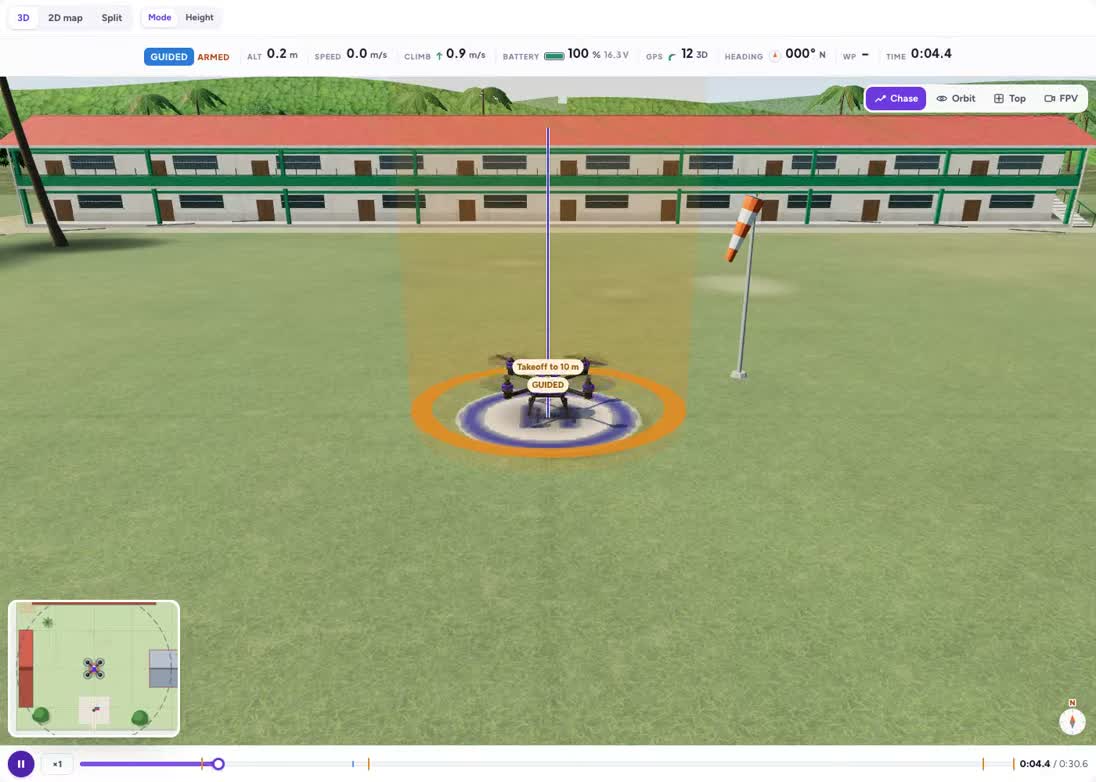
Up, photo, down
Your first flight: take off, take one photo of the H, land.
Grades 4–6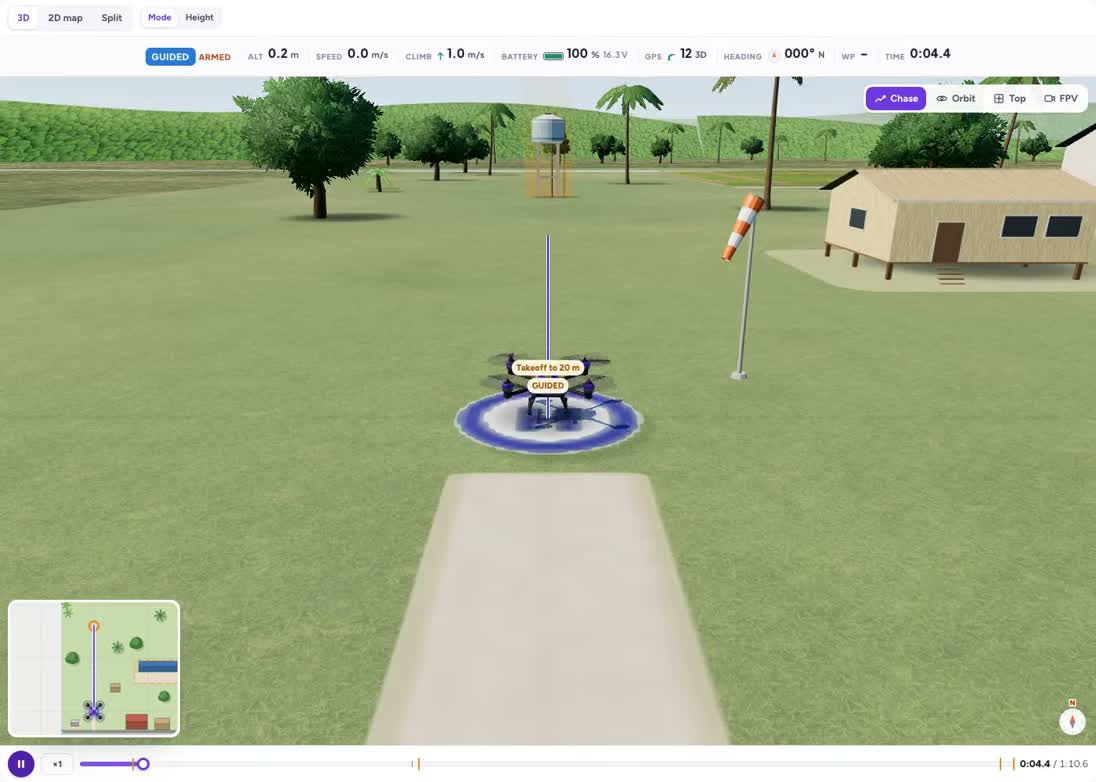
Photograph a water tank
Fly to Tank 1, take its photo, come home.
Grades 4–7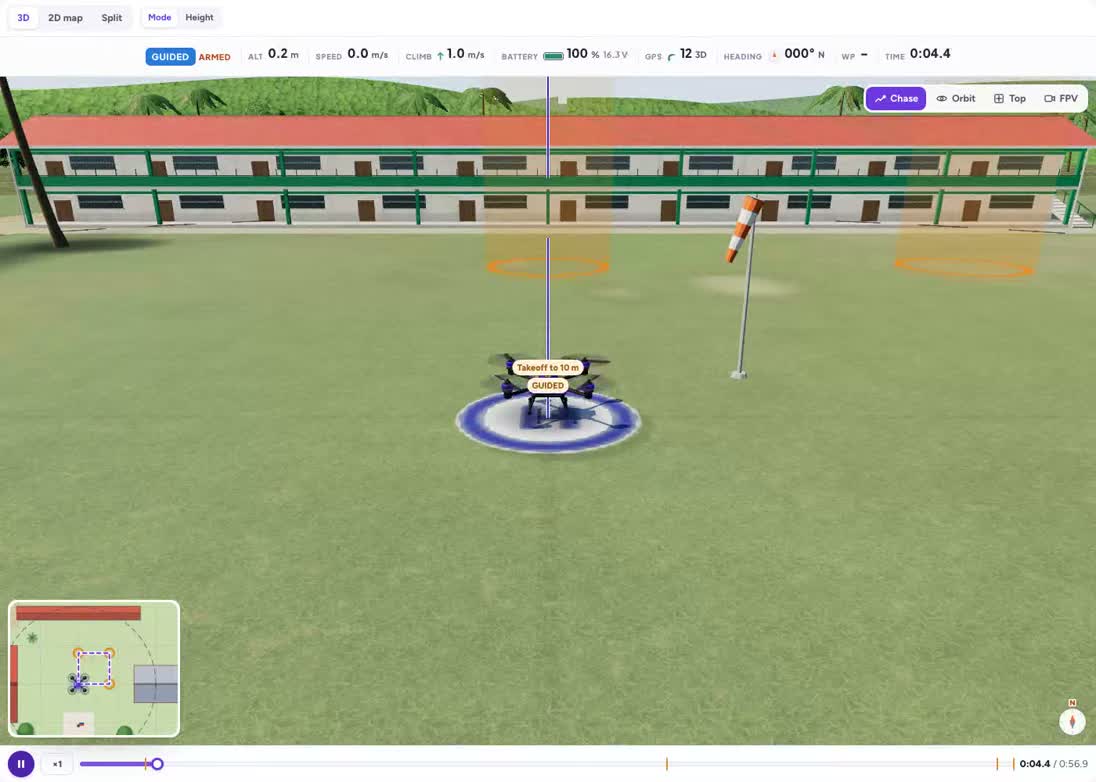
Fly a square
Four sides, four turns — then let Repeat do the work.
Grades 4–6The three water tanks
Photograph all three tanks of the barangay water system and land on the H.
Grades 5–8Fix Kuya Jun's program
A classmate's program has two bugs. Find them and fix them.
Grades 5–8Loops and logic
Map a rice field with Repeat, come home when the battery is low (if), patrol a fence with a while loop and a lap counter, then write a function for survey strips.
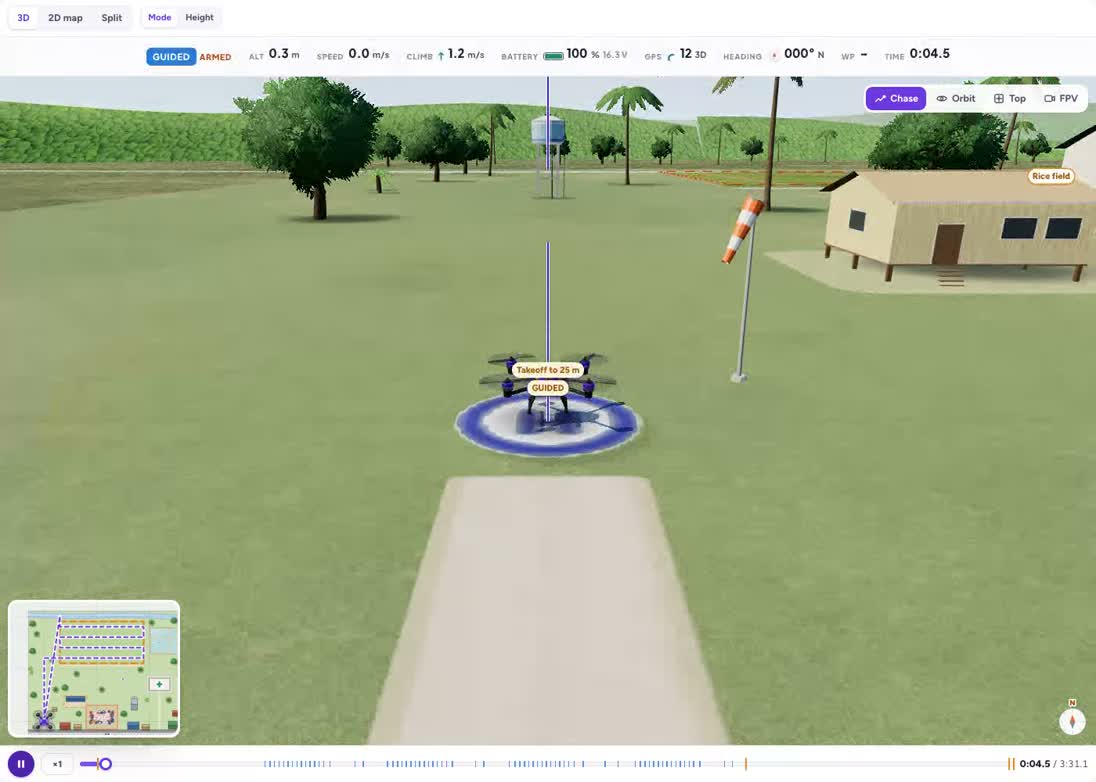
Survey the rice field
A lawnmower survey with photo-every-10-m — and Repeat to keep it short.
Grades 6–9If the battery is low, go home
Patrol the field again and again — but check the battery before every lap.
Grades 6–10Patrol the fence line
A while loop: keep patrolling as long as the battery is above 60 %.
Grades 7–10A function for a lawnmower strip
Teach the drone a new word — strip_pair — and use it three times.
Grades 7–10Real code — Python
DroneKit the way real drones are flown: connect, arm and wait for the climb, simple_goto and poll, log telemetry, deliver medicine, plan a survey with trigonometry and upload a mission.
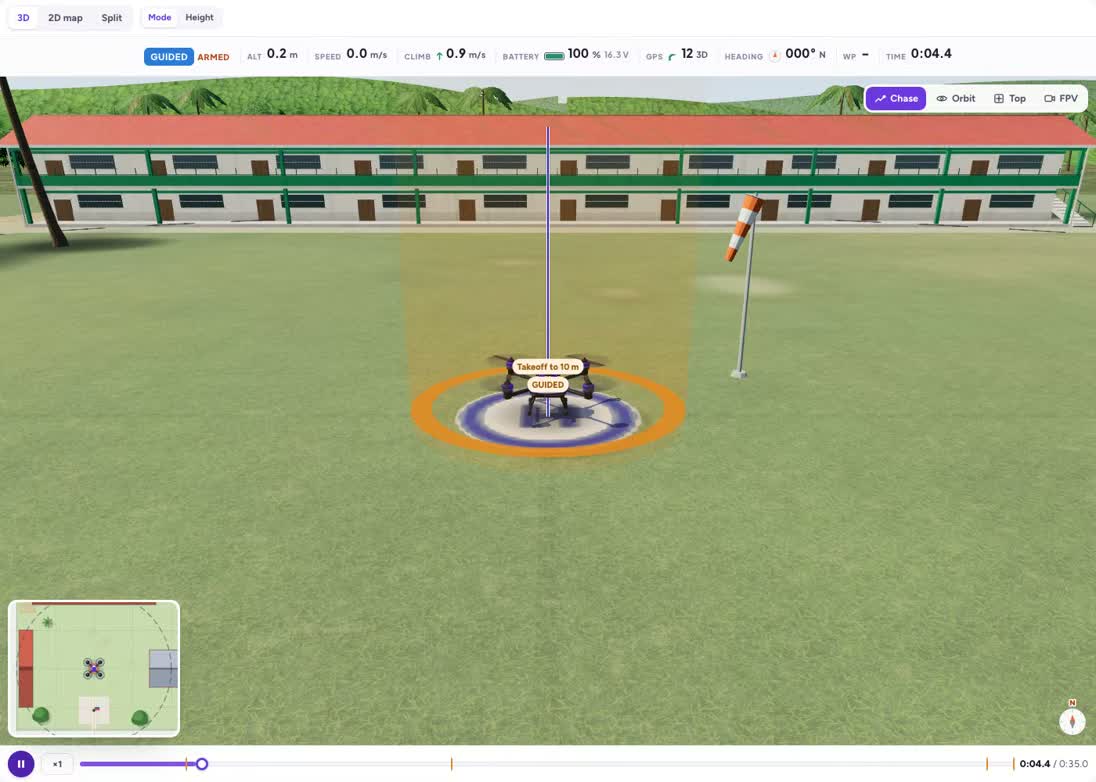
Hello, DroneKit
connect → GUIDED → arm → simple_takeoff → LAND: the real way.
Grades 8–11simple_goto and wait
Fly to Tank 2 and poll the distance until you arrive.
Grades 8–11Read telemetry: a flight log
Print time, altitude, speed, battery and mode every second.
Grades 8–11Deliver medicine to the health station
Out around the crowd, land, wait, take off, come home.
Grades 8–11Survey with overlap maths
Work out the strip spacing and trigger distance from the camera.
Grades 9–11Upload a mission from Python
Build vehicle.commands, upload, and let AUTO fly it.
Grades 9–11Mission files — ArduPilot AUTO
.waypoints missions flown by the flight controller in AUTO: waypoints and photos, a route around a no-fly zone, DO_JUMP laps, a camera-trigger survey, and speed and loiter.
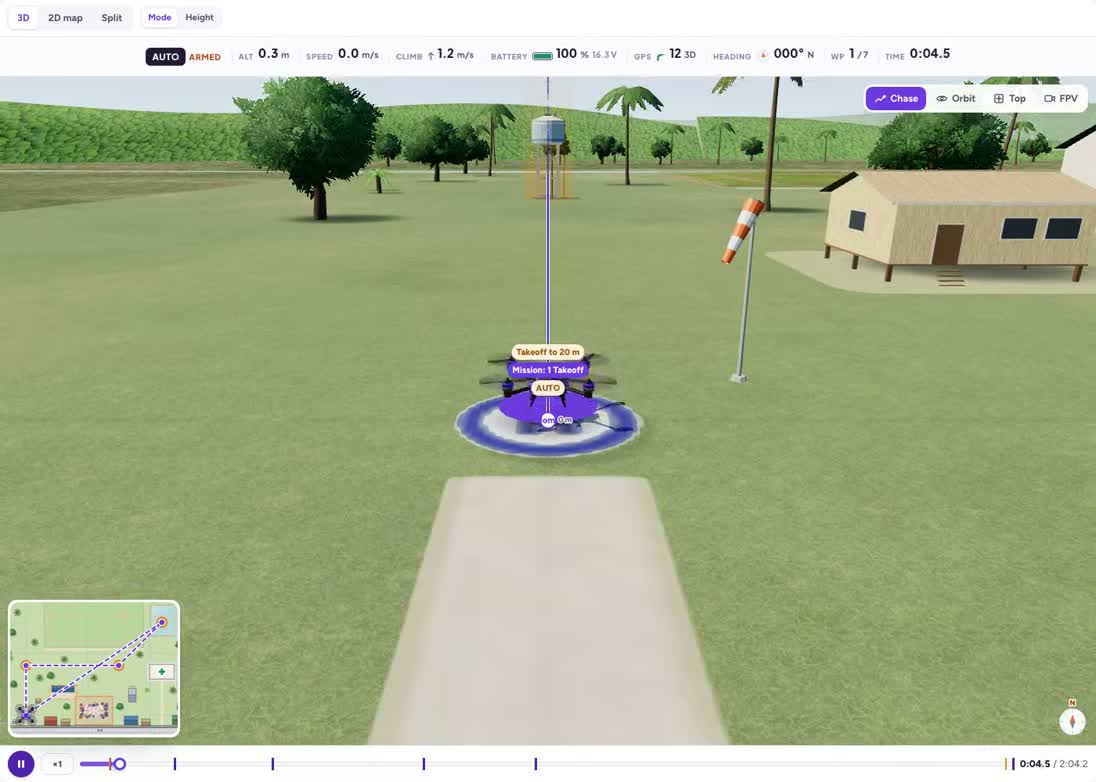
Your first .waypoints mission
TAKEOFF, waypoints, photos, RTL — flown by the flight controller in AUTO.
Grades 8–11Around the fiesta
A mission that respects the no-fly zone — both ways.
Grades 8–11Laps with DO_JUMP
The mission file's loop: fly the field edge three times.
Grades 8–11Cacao block survey
DO_SET_CAM_TRIGG_DIST: the camera fires every few metres along the strips.
Grades 9–11Fast there, slow and steady at the chapel
DO_CHANGE_SPEED, IMAGE_START_CAPTURE and LOITER_TIME.
Grades 9–11Autonomy — Lua
ArduPilot Lua scripts on the flight controller: a geofence watcher, a GUIDED square as a state machine, battery-aware return home and typhoon damage mapping in the wind.
A Lua geofence watcher
An onboard script that catches the drone 30 m before the crowd.
Grades 10–11A square in GUIDED from Lua
A state machine that arms, climbs, flies 4 corners with set_target_location and lands.
Grades 10–11Battery-aware return home
Work out how much battery the way home needs — and turn back in time.
Grades 10–11Typhoon damage mapping in the wind
Your Lua script is the camera trigger — measured over the ground, in a 7 m/s wind.
Grades 10–11How teachers use the missions
Start with the public explanation and ask students to predict what will happen. Compare the preview with that prediction, then sign in to change the controls or run a program. Ask pairs to record one change and explain its effect using the science or programming concept on the page.
Run them with a class
Read the grade bands and teaching connections, choose one activity, and share its preview with students. The description is public; opening the interactive activity requires a free account.
Practise manual flight in the free drone simulator.