Plan • code • fly
Real code — Python
DroneKit the way real drones are flown: connect, arm and wait for the climb, simple_goto and poll, log telemetry, deliver medicine, plan a survey with trigonometry and upload a mission.
Begin with Simple steps or Blocks, then move to Python, mission files and Lua as the tasks require. Each mission lists its actual language options. These exercises include real Python and Lua execution in the browser, as well as block programming.
Real code — Python
DroneKit the way real drones are flown: connect, arm and wait for the climb, simple_goto and poll, log telemetry, deliver medicine, plan a survey with trigonometry and upload a mission.
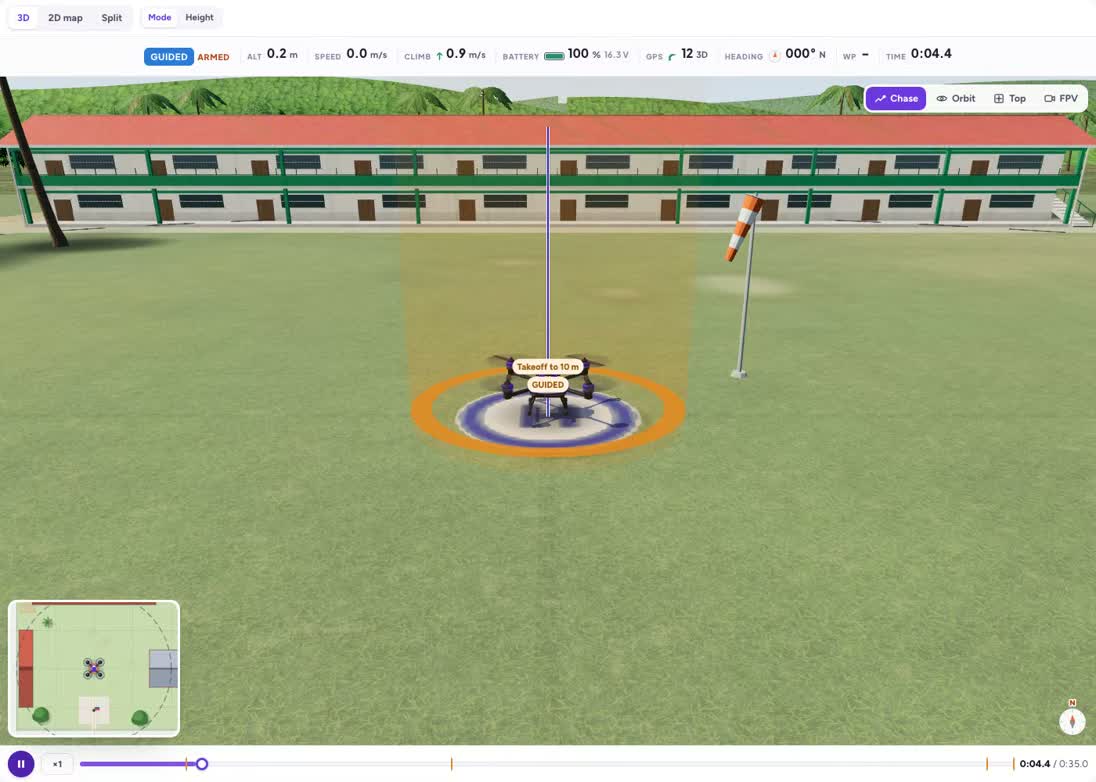
Hello, DroneKit
connect → GUIDED → arm → simple_takeoff → LAND: the real way.
Grades 8–11simple_goto and wait
Fly to Tank 2 and poll the distance until you arrive.
Grades 8–11Read telemetry: a flight log
Print time, altitude, speed, battery and mode every second.
Grades 8–11Deliver medicine to the health station
Out around the crowd, land, wait, take off, come home.
Grades 8–11Survey with overlap maths
Work out the strip spacing and trigger distance from the camera.
Grades 9–11Upload a mission from Python
Build vehicle.commands, upload, and let AUTO fly it.
Grades 9–11Concepts in this track
events
An event records something that happened during a run, such as reaching a point or taking a photo.
waiting
Wait for evidence that a flight action has finished before starting an action that depends on it.
modes
A flight mode changes how the aircraft interprets control. Check the selected mode before expecting a command to act.
sequence
Commands run in an order. Moving a photo command before take-off changes what it can see.
polling
Polling repeatedly checks a measurement until a condition is met. Allow time between checks and consider how a wait should end.
coordinates
Coordinates locate a target relative to an origin or on the Earth. Check the coordinate frame and units before moving.
functions
A function gives a reusable group of instructions a name and can accept inputs.
telemetry
Telemetry reports aircraft state, such as position, battery and mode. Use it to check what happened during a run.
variables
A variable stores a value that the program can read or update, such as a lap count or target altitude.
formatting
Mission-file formatting gives each value a defined place. A correct-looking number in the wrong column can mean a different instruction.
geofence
A geofence defines a permitted area. A program must respond before crossing its boundary.
maths
Use units and relationships to predict the route, coverage or timing before executing the program.
mapping
A mapping flight collects observations across an area. Reaching a few points does not necessarily cover the whole field.
overlap
Adjacent photographs need shared coverage. Flight height, camera footprint and strip spacing affect gaps between images.
loops
A loop repeats a group of instructions. Its count and stopping condition determine when it finishes.
mavlink
MAVLink command identifiers describe flight-controller actions. Mission files combine those identifiers with frames and parameters.
lists
A list stores an ordered collection, such as targets or mission items, that a program can process.
missions
A mission is an ordered set of flight-controller instructions. Its final instruction and return behaviour matter as much as its first waypoint.
How teachers use the missions
Start with the public explanation and ask students to predict what will happen. Compare the preview with that prediction, then sign in to change the controls or run a program. Ask pairs to record one change and explain its effect using the science or programming concept on the page.
Run them with a class
Read the grade bands and teaching connections, choose one activity, and share its preview with students. The description is public; opening the interactive activity requires a free account.