Plan • code • fly
First flights
Take off and land, photograph a water tank, fly a square with Repeat, visit all three tanks and fix a classmate's buggy program — sequence, distance, angles, loops.
Begin with Simple steps or Blocks, then move to Python, mission files and Lua as the tasks require. Each mission lists its actual language options. These exercises include real Python and Lua execution in the browser, as well as block programming.
First flights
Take off and land, photograph a water tank, fly a square with Repeat, visit all three tanks and fix a classmate's buggy program — sequence, distance, angles, loops.
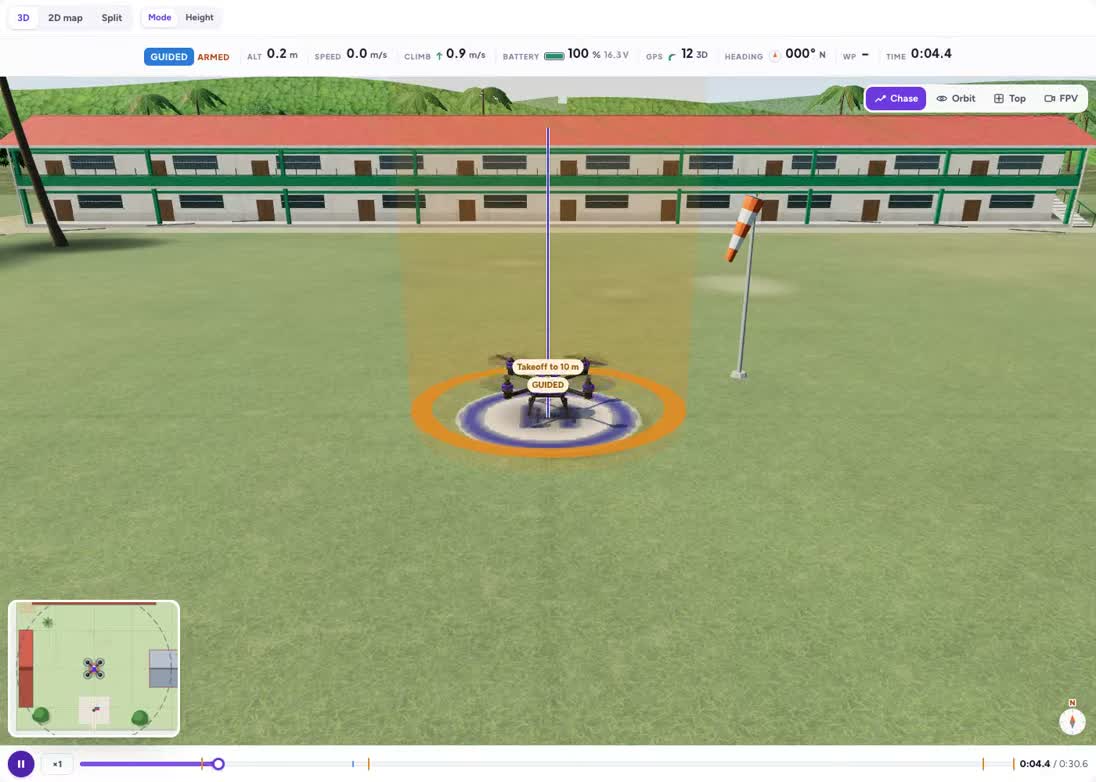
Up, photo, down
Your first flight: take off, take one photo of the H, land.
Grades 4–6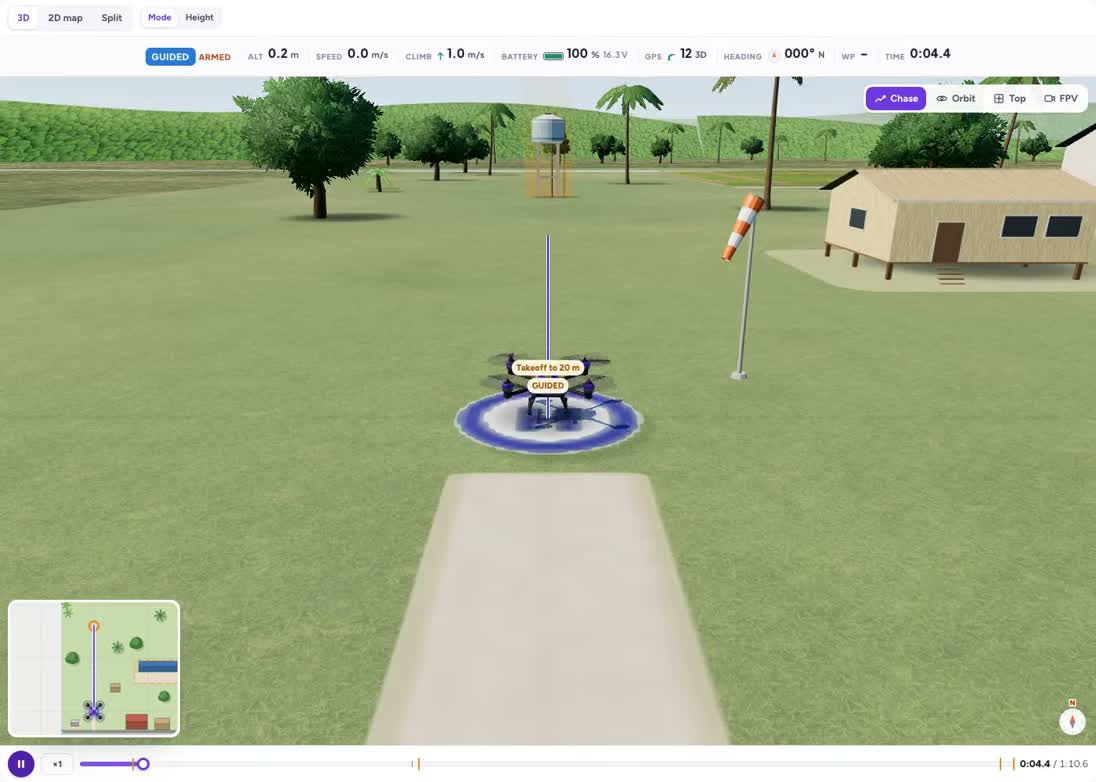
Photograph a water tank
Fly to Tank 1, take its photo, come home.
Grades 4–7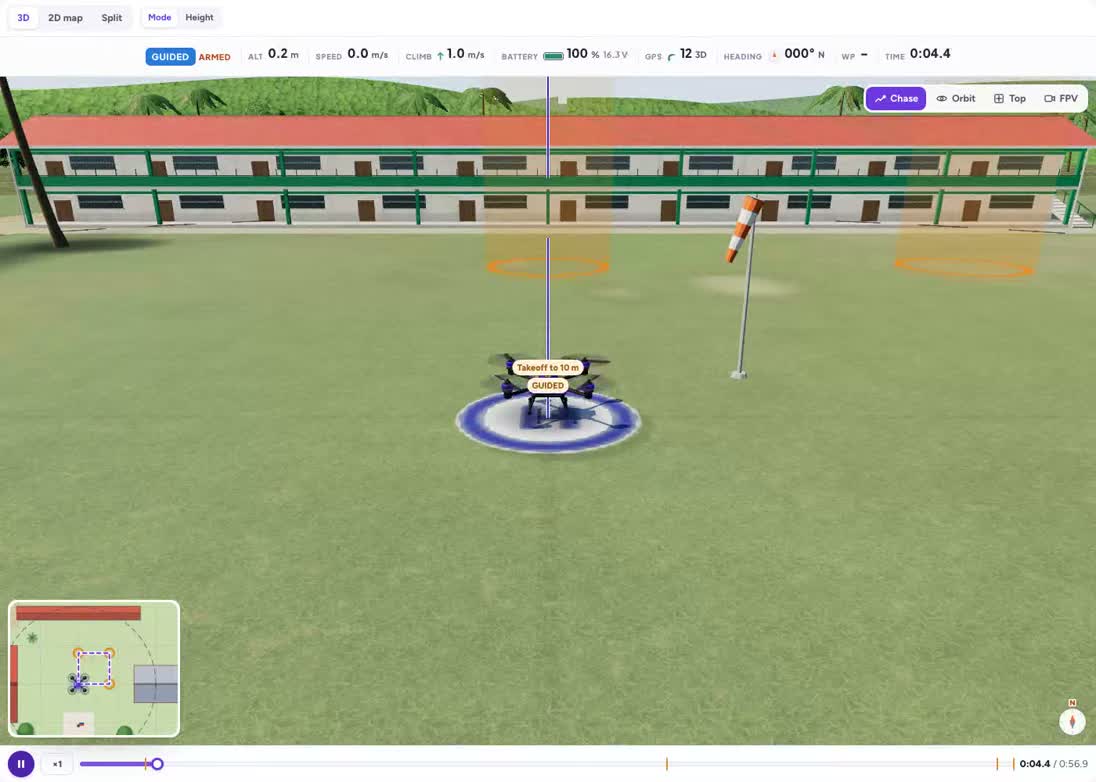
Fly a square
Four sides, four turns — then let Repeat do the work.
Grades 4–6The three water tanks
Photograph all three tanks of the barangay water system and land on the H.
Grades 5–8Fix Kuya Jun's program
A classmate's program has two bugs. Find them and fix them.
Grades 5–8Concepts in this track
sequence
Commands run in an order. Moving a photo command before take-off changes what it can see.
altitude
Altitude is height above the mission reference. Check the target height and the ceiling separately.
distance
Distance measures how far the aircraft travels. It differs from altitude and from a turn angle.
loops
A loop repeats a group of instructions. Its count and stopping condition determine when it finishes.
angles
A turn changes heading. Distinguish a polygon’s interior angle from the turn needed at a corner.
debugging
Compare the intended steps with the observed run, identify a specific mismatch, and test one correction at a time.
battery
Battery state is a measurement to check during a mission. Plan a response before the remaining energy becomes too small for the task.
How teachers use the missions
Start with the public explanation and ask students to predict what will happen. Compare the preview with that prediction, then sign in to change the controls or run a program. Ask pairs to record one change and explain its effect using the science or programming concept on the page.
Run them with a class
Read the grade bands and teaching connections, choose one activity, and share its preview with students. The description is public; opening the interactive activity requires a free account.