Explore the science
Controlling the drone
Sticks, radio and the flight controller
A flight control is an instruction about what the aircraft should do. The four controls introduces throttle, yaw, pitch and roll through a drone that students can move toward targets. Naming the controls is only the beginning. Watch which motion follows a stick input, and compare that motion with the motor changes shown by the lab. Rotation and movement across the ground are related, but they are not the same measurement.
Why props spin both ways asks students to look at the twisting effects of the propellers. A multirotor does not need a wheel touching the ground to turn its body. Changes in the motor and propeller system can create a turning effect. Compare the spin arrangements and the resulting frame motion before trying to explain yaw. This gives the motor diagram a physical meaning instead of turning it into a pattern to memorise.
How a drone stays level introduces feedback. The controller needs a measurement of the current state, a target, and a way to change the aircraft. After it acts, it measures again. A gust is a useful disturbance because it tests how the system responds when the aircraft moves away from the intended state. Switching the stabiliser off makes the contribution of that repeated correction easier to see.
Tune the stabiliser makes response quality visible on a graph. A response can be quick but overshoot, or cautious but slow. Students should describe the shape of the response as well as the final result. Changing several settings at once makes it difficult to explain which change helped. Keep a record of the settings, disturbance and response, then compare one change at a time.
The radio-link and GPS activities extend the system beyond the aircraft itself. Radio carries commands, while positioning measurements help estimate where the aircraft is. Neither should be treated as a perfect, unlimited connection. The labs provide ways to explore weaker signals, obstacles, measurement uncertainty and extra observations. Together the topic connects control input, onboard feedback and information from outside the aircraft. A strong final explanation follows one instruction through the whole loop and identifies what the controller still needs to measure.
Controlling the drone
Sticks, radio and the flight controller
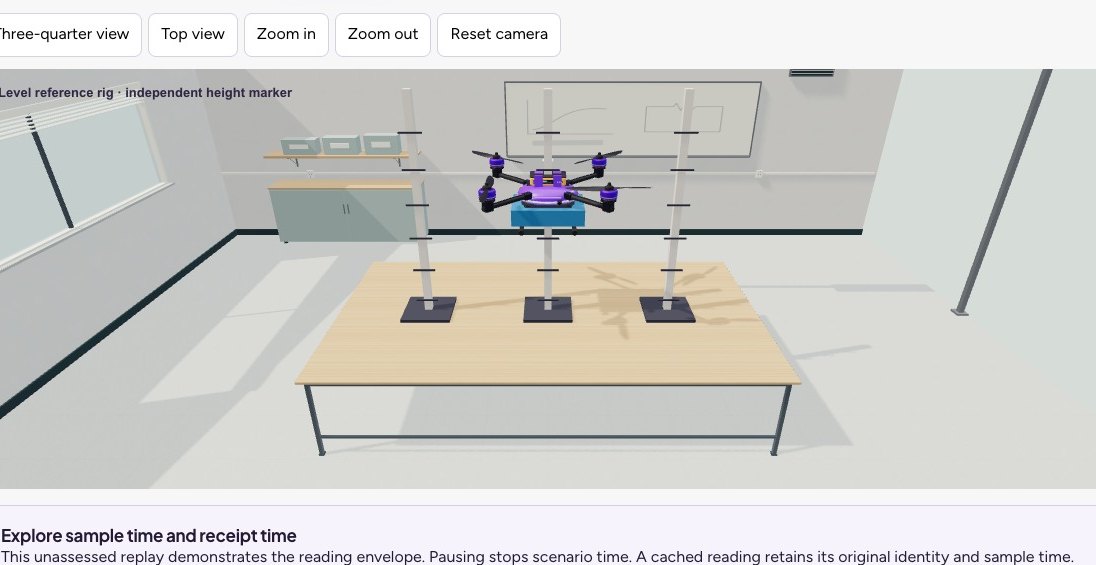
Sensor roles, calibration and trustworthy evidence
Readings, calibration, timestamps and independent evidence
Grades 7–8 · Grades 9–11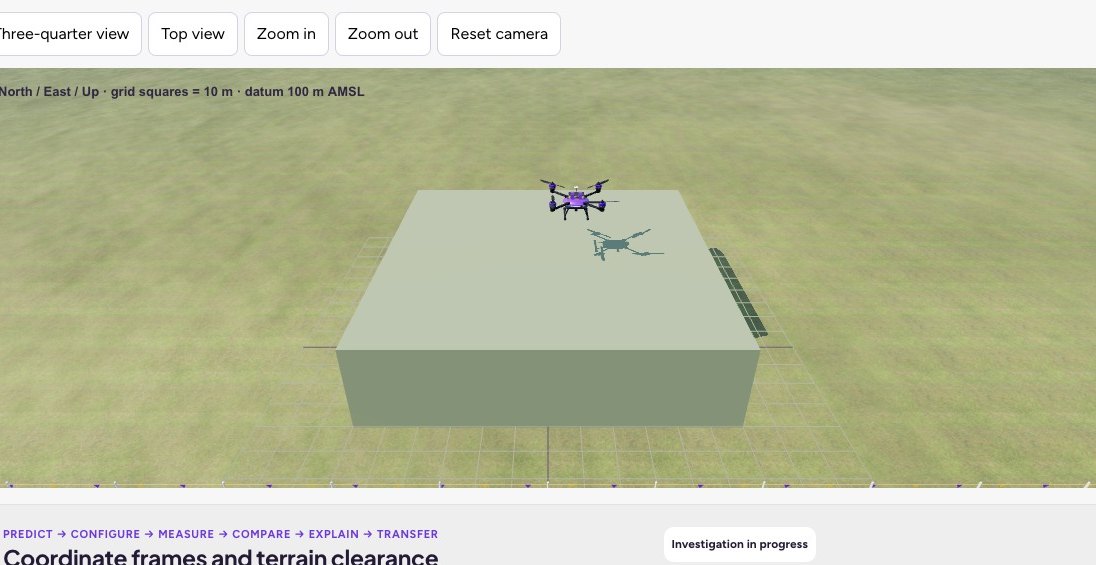
Coordinate frames and terrain clearance
Body/world coordinates, height datums and terrain clearance
Grades 7–8 · Grades 9–11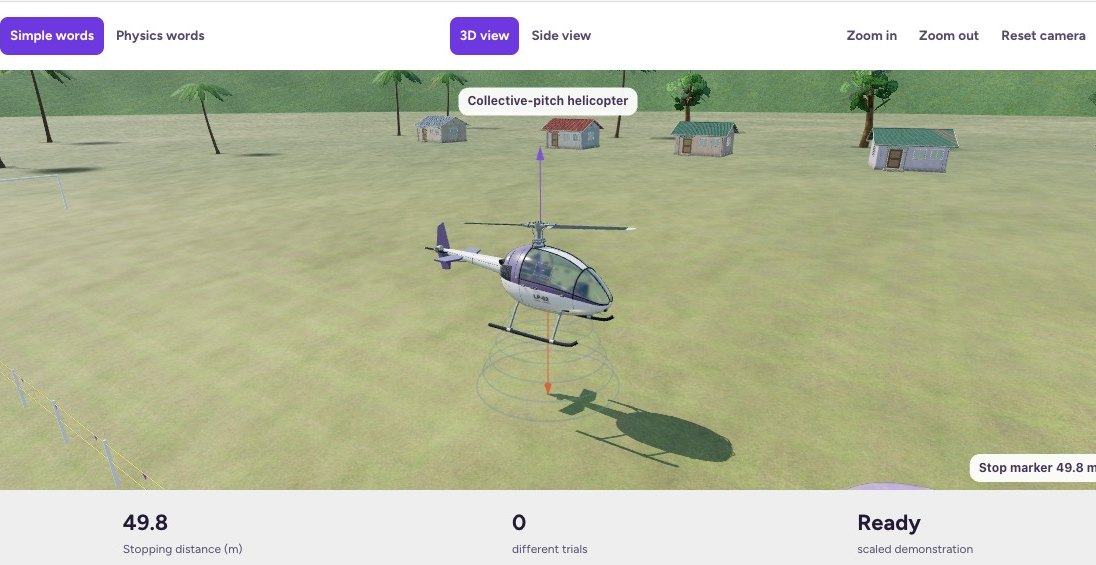
When the mission changes
Detect, decide, respond
Grades 3–6 · Grades 7–8 · Grades 9–11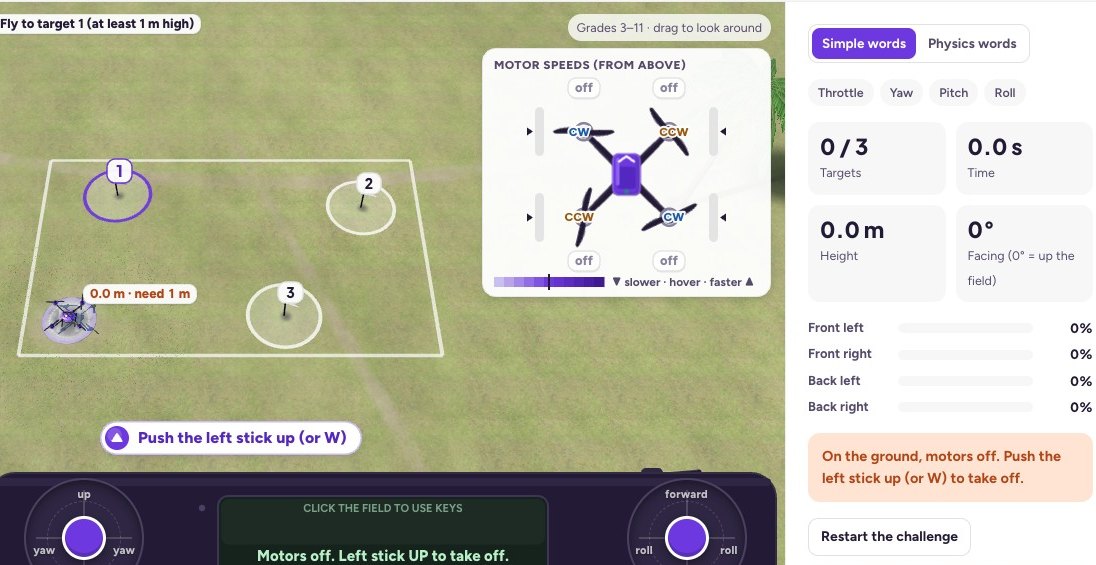
The four controls
Throttle, yaw, pitch, roll
Grades 3–6 · Grades 7–8 · Grades 9–11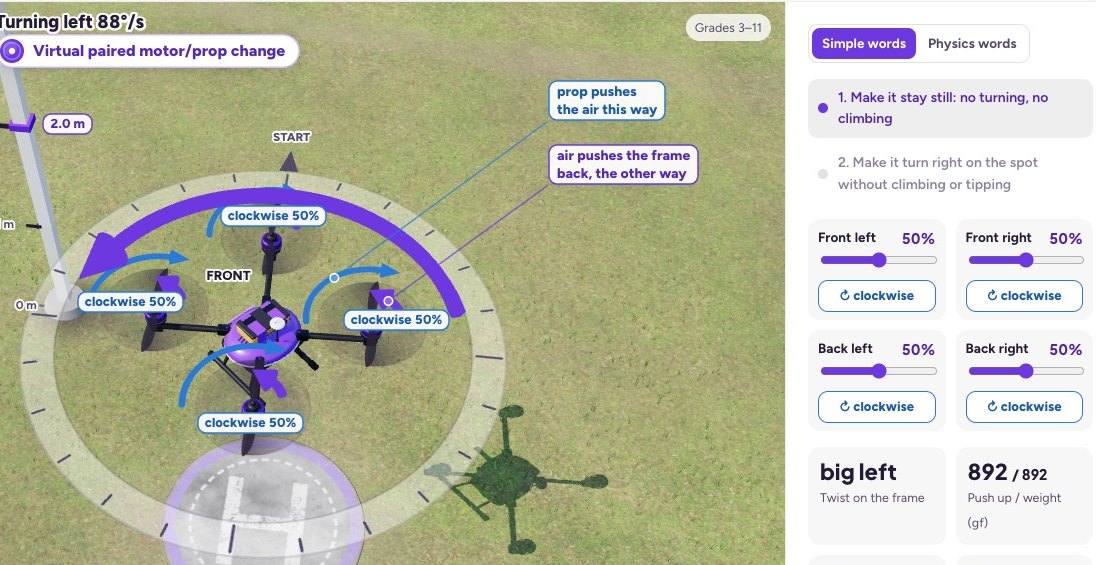
Why props spin both ways
Spin directions and twist
Grades 3–6 · Grades 7–8 · Grades 9–11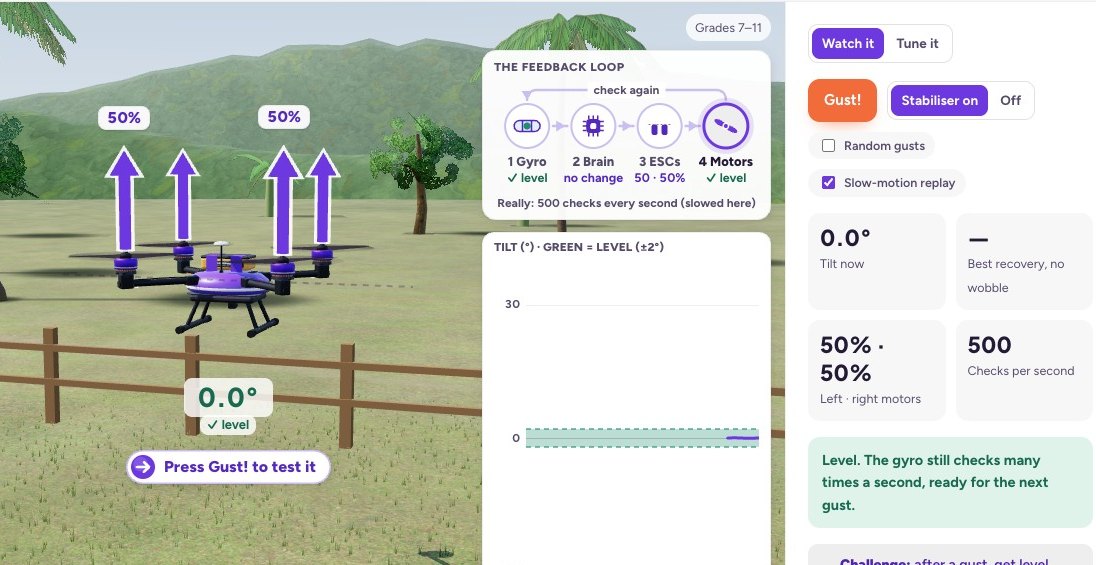
How a drone stays level
The feedback loop
Grades 7–8 · Grades 9–11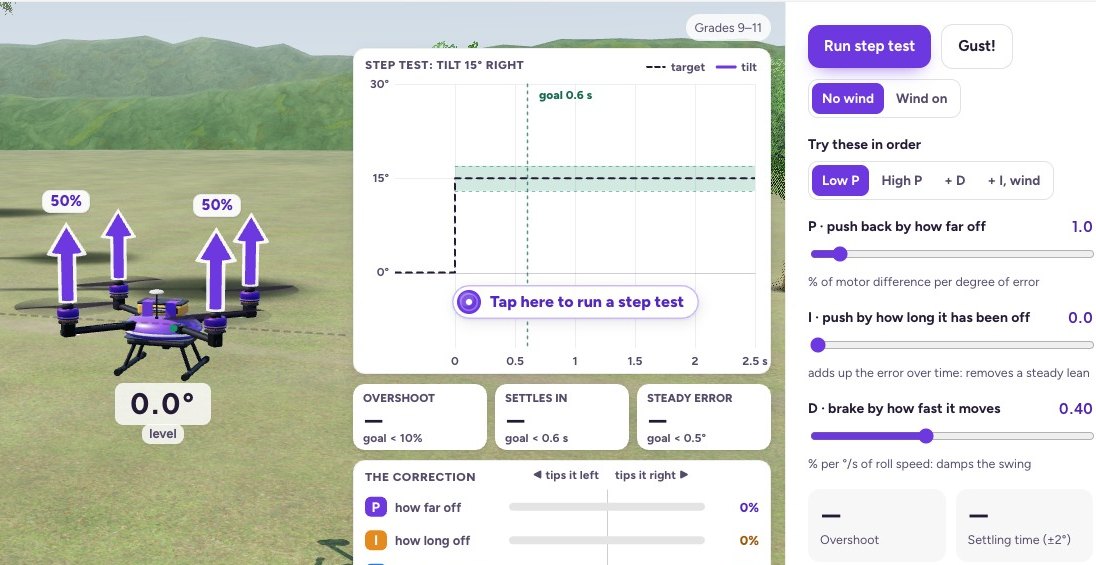
Tune the stabiliser
P, I and D on a graph
Grades 9–11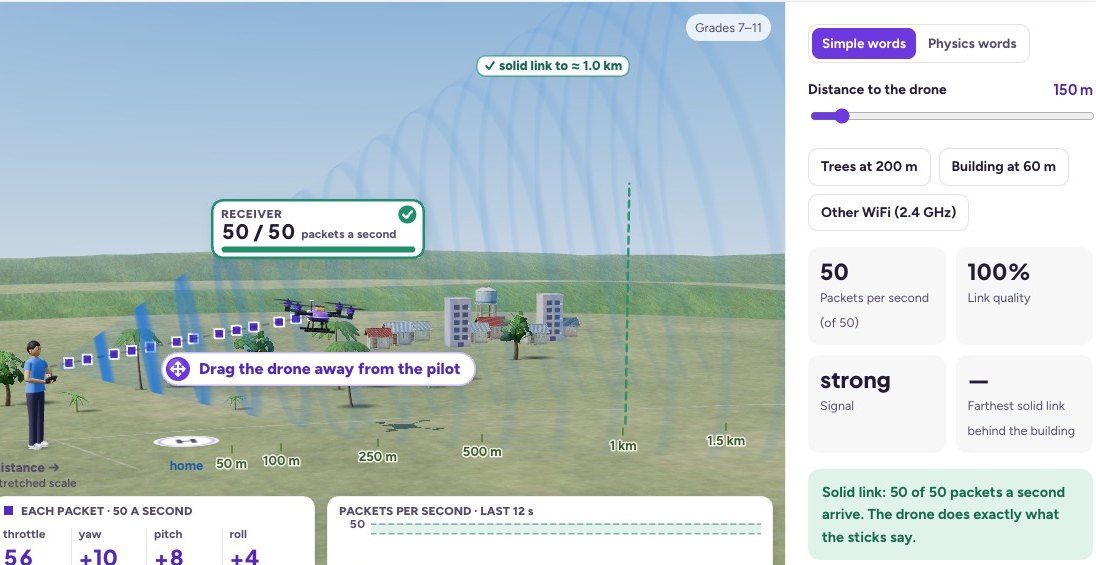
2.4 GHz radio link
Signal and failsafe
Grades 7–8 · Grades 9–11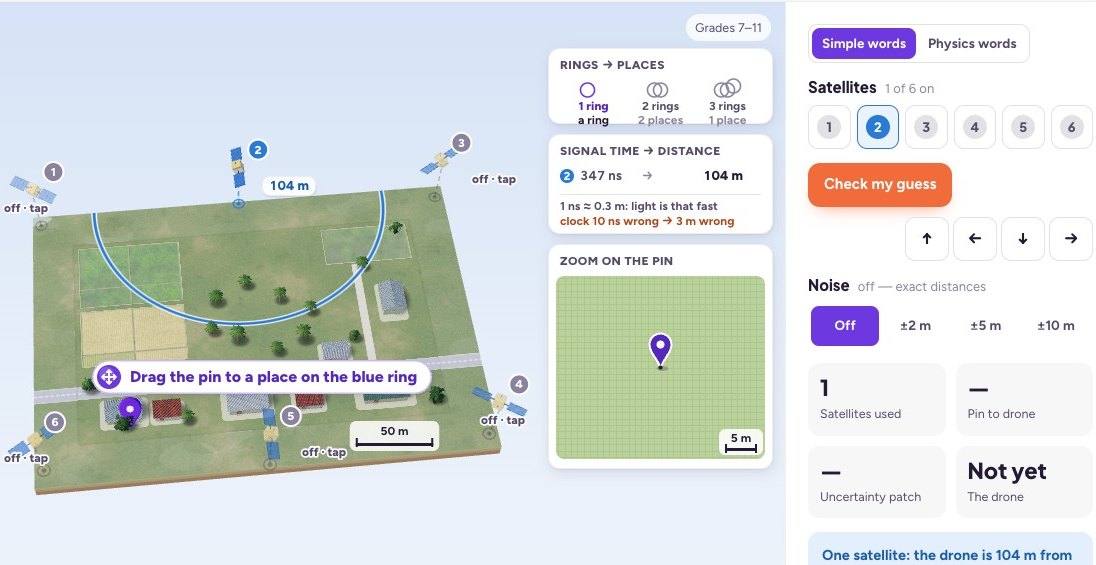
Where am I?
GPS and trilateration
Grades 7–8 · Grades 9–11Questions about controlling the drone
Is the flight controller the same as the handheld controller?
No. The handheld controller sends pilot instructions. The onboard flight controller uses measurements and commands to control the aircraft.
Does GPS directly tell every motor how fast to spin?
No. Position information is one input to the larger control system. Motor commands also depend on the desired motion and the aircraft state.
How teachers use the labs
Start with the public explanation and ask students to predict what will happen. Compare the preview with that prediction, then sign in to change the controls or run a program. Ask pairs to record one change and explain its effect using the science or programming concept on the page.
Run them with a class
Read the grade bands and teaching connections, choose one activity, and share its preview with students. The description is public; opening the interactive activity requires a free account.